

Tax Planning and Benefits for Married Couples in India: 2026 Guide
Tax planning for married couples in India explained for 2026. Compare tax regimes, deducti...
05 September 2026
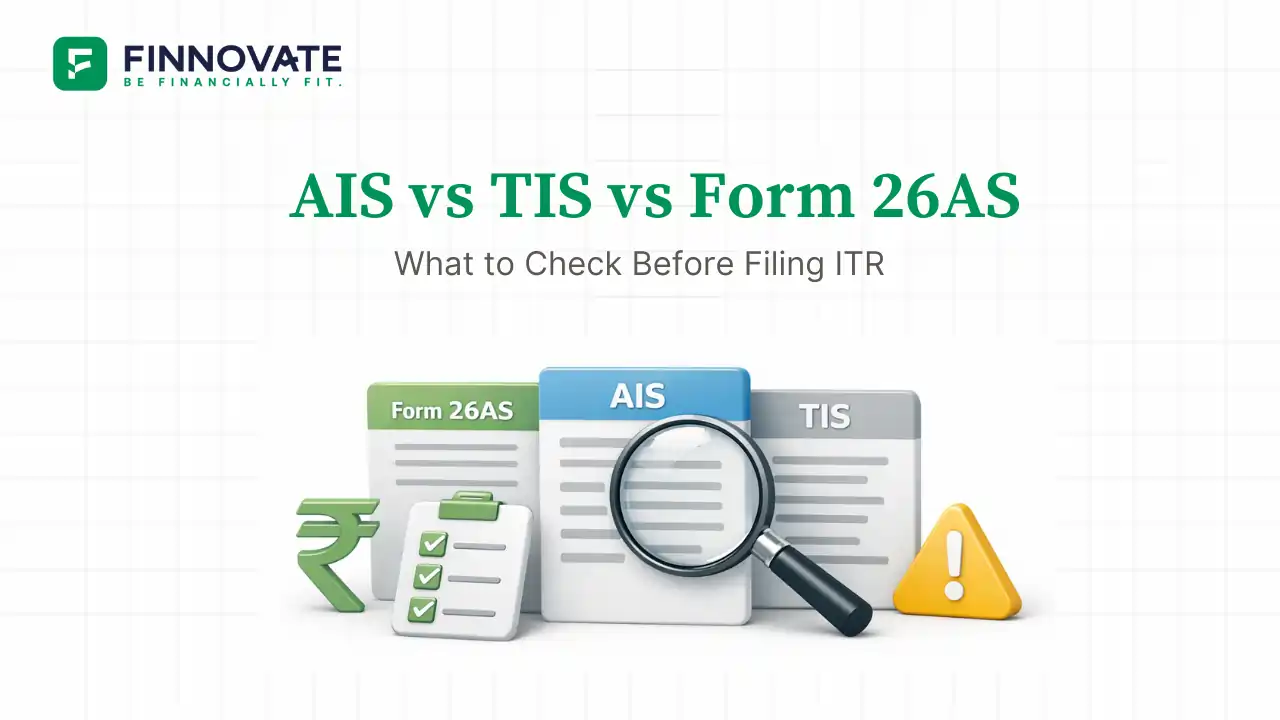

Finnovate’s editorial team researches and creates financial content using trusted sources, regulatory references and inputs from subject experts.

Most income tax notices do not arise because taxpayers deliberately conceal income. They arise because what the taxpayer filed did not match what the system already had on record. Reviewing all three pre-filing documents together closes that gap before it becomes a problem.
Before filing your ITR for FY 2025-26 (AY 2026-27), three documents need to be reviewed together: Form 26AS, the Annual Information Statement (AIS), and the Taxpayer Information Summary (TIS). Each serves a different purpose. Looking at only one creates blind spots that commonly lead to refund adjustments, mismatch notices, or post-filing queries.
This guide explains how the three documents relate to each other, what each one contains, and what specifically to verify before submitting your return.
Table of Contents
Although all three documents are accessed from the same Income Tax e-filing portal, they serve distinct purposes. Treating them as interchangeable is the most common pre-filing mistake.
| Document | What It Is | Primary Use |
|---|---|---|
| Form 26AS | Tax credit statement | Claiming TDS, TCS, and advance tax credits |
| AIS | Full information dashboard | Seeing every transaction and income the system knows about |
| TIS | Processed summary derived from AIS | Pre-filled ITR values and system-side income view |
Form 26AS is your tax credit statement. It shows tax-related entries linked to your PAN for the financial year and is the primary legal document for claiming tax credits when filing your return.
The AIS is a comprehensive information dashboard that aggregates all financial transactions linked to your PAN for the financial year. It was introduced to give taxpayers full visibility into what reporting entities have shared with the Income Tax Department.
The TIS is a processed, category-wise summary derived from the AIS. It aggregates transactions, removes duplicate entries, and applies internal system logic to produce the figures that pre-fill the ITR utility on the portal.
Understanding the relationship between these three documents prevents both under-reporting and under-claiming of credits.
Shows the full picture of what third parties have reported about your financial activity. Used for risk flagging and comparison by the department during processing.
Aggregated, deduplicated view of AIS data. Drives the pre-filled numbers in the ITR utility. The department uses TIS to compare against your filed schedules.
Primary legal document for claiming TDS, TCS, and advance tax credits. Where TIS may show lower TDS than actually credited, Form 26AS governs. CPC generally allows the credit as per Form 26AS, not TIS.
These are the specific verifications worth completing before submitting the return. Doing this before filing, rather than responding to a notice after, saves considerably more time.
If TIS figures appear incorrect, the underlying issue is almost always in AIS. Correcting the AIS entry via the feedback mechanism is the appropriate step, after which TIS updates accordingly.
This frequently occurs because AIS reports gross transaction values, not taxable income. A mutual fund redemption of ₹5 lakh that cost ₹4 lakh will appear as ₹5 lakh in AIS, not as ₹1 lakh of gains. This is not an error in AIS. The correct taxable amount is computed separately and disclosed in the capital gains schedule of the ITR. No AIS feedback is needed in this situation.
This typically means income has been reported in AIS by a third party without any TDS being deducted, or TDS was deducted but the deductor has not deposited it. Tax credit is governed by Form 26AS. If TDS is missing from Form 26AS, follow up with the deductor and consider filing a grievance on the portal if the deadline is near.
TIS applies deduplication and reclassification logic to AIS data. The difference between AIS and TIS is the system's own processing, not an error to be flagged. If TIS totals appear wrong, review the AIS entries first to determine whether the source data is the issue.
Filing the ITR based on inflated or incorrect AIS figures is not required and can result in overpayment of tax. The correct approach is to file based on actual taxable income, document the position, and address the AIS discrepancy separately.
Compute income correctly using your own records, cost of acquisition, exemptions, and applicable deductions. Do not adopt AIS figures if they reflect gross values or non-taxable events.
Use the AIS feedback mechanism on the portal to mark entries as Incorrect, Duplicate, or Not Related to You. After feedback is submitted, the reporting entity has 30 days to confirm or reject the correction. The AIS status updates to reflect pending or accepted feedback. Filing does not need to wait for feedback resolution in most cases.
Keep records that support your filed position: broker statements, cost of acquisition evidence, gift deeds for transferred shares, or any documentation that explains why your return differs from AIS. These protect you if a clarification notice is issued later.
Form 26AS errors are almost always caused by the deductor, not the taxpayer. Common causes include incorrect PAN quoted by employer or bank, or TDS deposited under a wrong challan. The resolution requires the deductor to file a correction statement. Follow up with the employer's payroll or finance team, or with the bank's TDS desk.
Use the AIS feedback mechanism on the e-filing portal. Select the relevant entry and mark it with the appropriate feedback category: Incorrect, Duplicate, Income of Another Person, or Income Not Taxable. After submission, the reporting entity is notified and has 30 days to respond. The AIS entry status updates to reflect whether the correction was accepted or rejected.
TIS cannot be corrected directly. Correct the underlying AIS entry first. Once the AIS feedback is processed and accepted, TIS values update accordingly. If the return has already been filed before the correction is accepted, the filed return stands as the taxpayer's declared position.
| Document | What to Verify | Key Principle |
|---|---|---|
| Form 26AS | TDS credits, advance tax challans, refunds | Tax not reflected here may not be credited. Follow up with deductor if TDS is missing. |
| AIS | All reported transactions, gross values, no duplicates, no foreign entries | AIS shows what the system knows. File based on actual taxable income, not gross AIS values. |
| TIS | Aggregated totals by income category, pre-fill alignment | TIS is the comparison baseline. Significant differences between TIS and your return need documentation. |
If AIS shows income that does not match your records, or you are unsure whether an entry is taxable, a short expert review can clarify the position before filing and help avoid notices later.
Book a 15-Minute Tax Review CallNo. AIS reports gross transaction values, which often differ from taxable income. Mutual fund redemptions, share sales, and off-market transfers may appear at full value in AIS without reflecting the cost of acquisition or applicable exemptions. The ITR is filed based on actual taxable income. Where the return differs materially from AIS, maintaining documentation to explain the difference is advisable.
The deductor has likely not deposited the tax or quoted an incorrect PAN. Follow up with your employer's payroll team to file a correction. In the interim, you may still file the return and claim the credit, supported by Form 16 or payslips. Consider filing a grievance on the Income Tax portal if the deductor does not resolve the issue before the filing deadline.
Yes. Filing does not need to wait for AIS feedback to be accepted by the reporting entity. File based on actual taxable income, download the AIS Consolidated Feedback PDF as a record of your correction attempt, and maintain documentation for any entries that differ from your return. If a clarification is sought later, the documentation supports your position.
AIS typically reports gross transaction values, not net taxable income. A share sale of ₹10 lakh where the cost was ₹7 lakh appears as ₹10 lakh in AIS, not ₹3 lakh of gains. This is expected behaviour, not an error. Compute taxable capital gains separately and report them correctly in the ITR schedules. No AIS feedback is needed for this type of difference.
Form 26AS is the legally operative document for claiming TDS and advance tax credits. AIS provides broader income visibility but does not govern tax credits. If AIS and Form 26AS show different TDS amounts, the credit claimed in the ITR is validated against Form 26AS during CPC processing. Please consult a SEBI-registered investment adviser or qualified tax professional if significant discrepancies exist between the two documents.
Form 168 replaces Form 26AS from FY 2026-27 onwards under the Income Tax Rules 2026. For returns being filed now for FY 2025-26 (AY 2026-27, due July 31, 2026), Form 26AS remains the applicable document. Taxpayers will encounter Form 168 when filing returns for FY 2026-27, due in 2027.
Disclaimer: This article is for general information and educational purposes only. It does not constitute investment advice, a recommendation, or an offer to buy or sell any securities or financial instruments. Information on AIS, TIS, Form 26AS, and Form 168 is based on publicly available CBDT notifications and Income Tax Department guidance applicable for AY 2026-27 (FY 2025-26). Procedures and form references may change in subsequent notifications. Please consult a SEBI-registered investment adviser or qualified tax professional before making any tax filing or financial decision.
No spam. Only new posts, simple explainers, and practical money checklists for busy professionals.
Finnovate is a SEBI-registered financial planning firm that helps professionals bring structure and purpose to their money. Over 3,500+ families have trusted our disciplined process to plan their goals - safely, surely, and swiftly.
Our team constantly tracks market trends, policy changes, and investment opportunities like the ones featured in this Weekly Capsule - to help you make informed, confident financial decisions.
Learn more about our approach and how we work with you:
No comments yet. Start the conversation. What would you add?
No spam. Only new posts, simple explainers, and practical money checklists.
You may also like
Tax planning for married couples in India explained for 2026. Compare tax regimes, deducti...
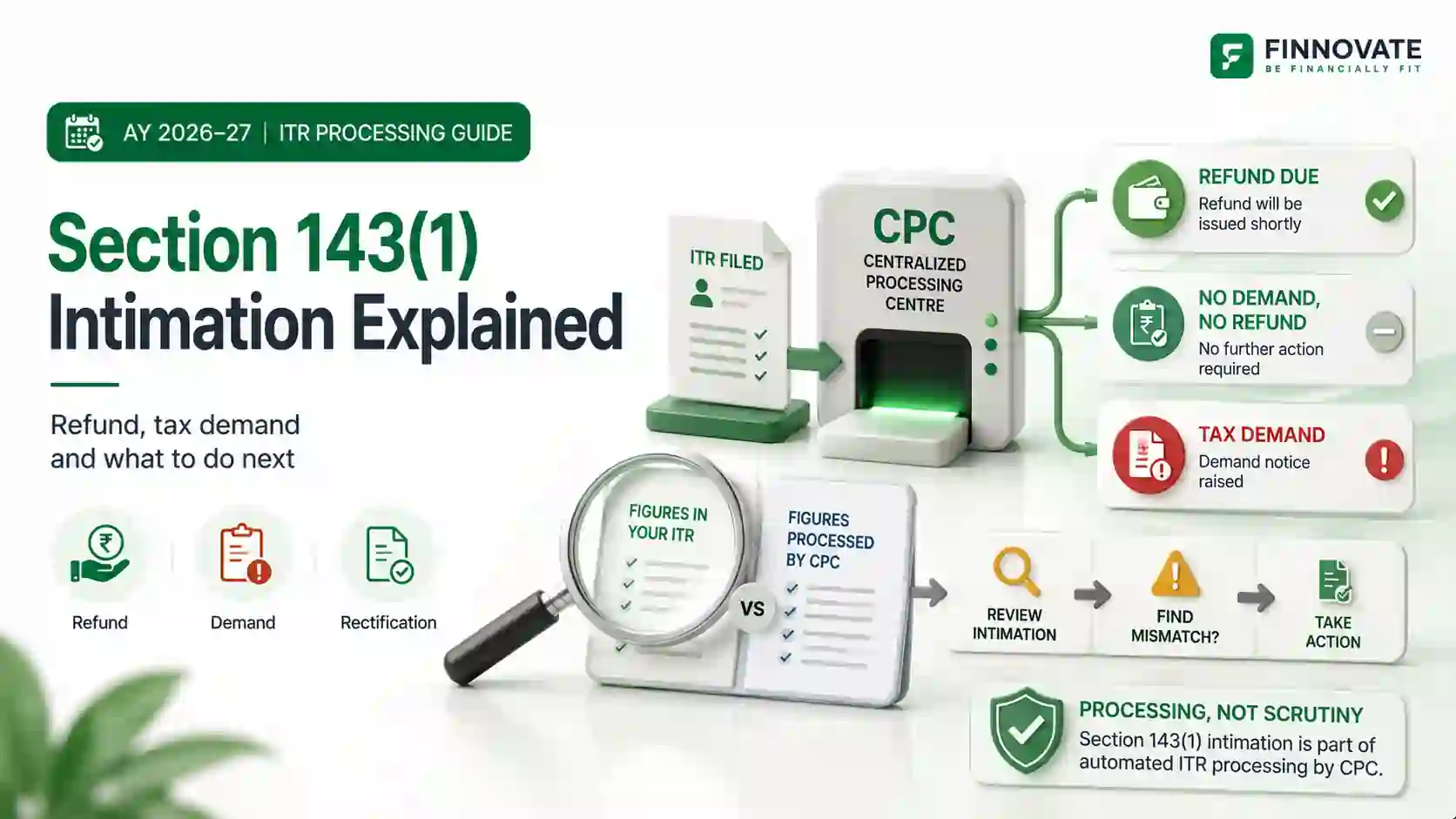
Received a Section 143(1) intimation? Understand CPC adjustments, refunds, tax demands, re...

Zero tax on a ₹14.65 lakh salary is real, but only if your employer contributes EPF on f...
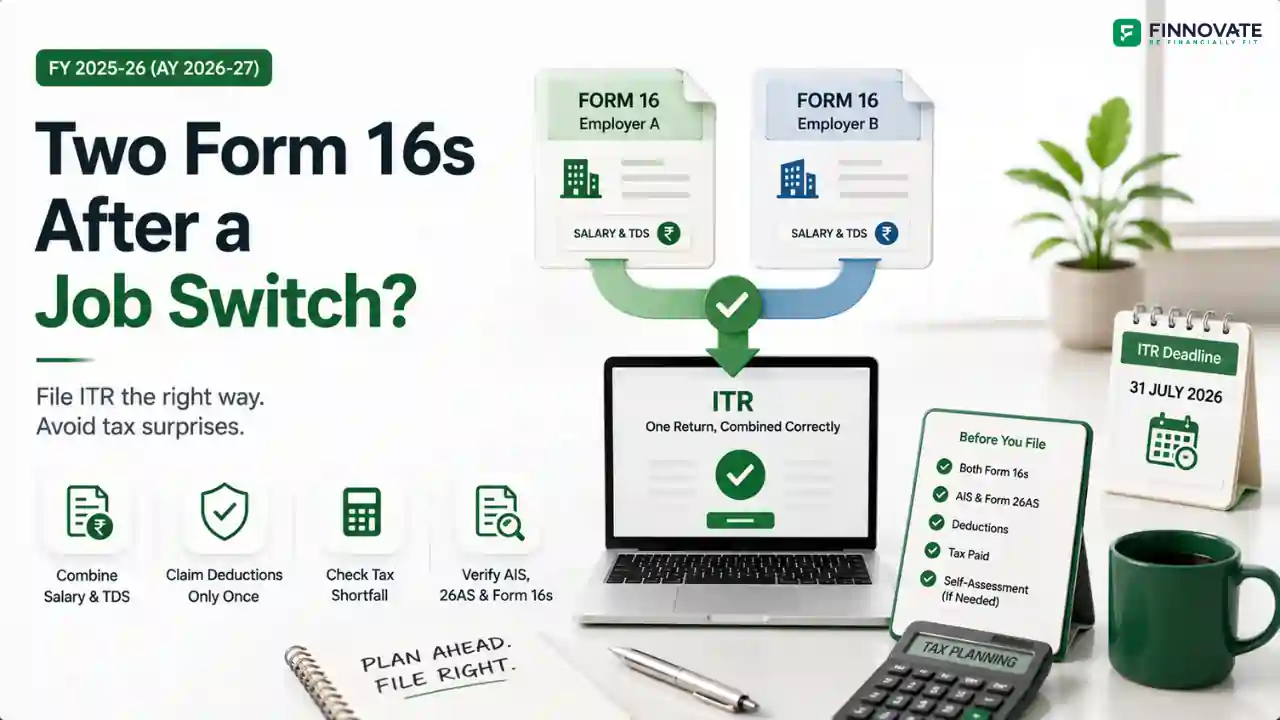
Changed jobs in FY 2025-26? See why combining two Form 16s can create a tax shortfall past...
Popular now

Learn how to easily download your NSDL CAS Statement in PDF format with our step-by-step g...

Looking for the best financial freedom books? Here’s a handpicked 2026 reading list with...

Learn what SIF investment means in India, SEBI rules, Rs 10 lakh minimum investment, avail...

Clear guide to mutual fund taxation in India for FY 2025–26 after July 2024 changes: equ...